
Ask your question and get a summary of the document by referencing this page and the AI provider of your choice
This doc is out of date, the base version has been updated on 4 October 2026.
Go to English docVersion History
- "Update Solid useIntlayer API usage to direct property access"v8.9.004/05/2026
- "Initial history"v8.0.030/12/2025
The content of this page was translated using an AI.
See the last version of the original content in EnglishIf you have an idea for improving this documentation, please feel free to contribute by submitting a pull request on GitHub.
GitHub link to the documentationCopy doc Markdown to clipboard
Translate your AdonisJS backend website using Intlayer
adonis-intlayer is a powerful internationalisation (i18n) package for AdonisJS applications, designed to make your backend services globally accessible by providing localised responses based on the client's preferences.
Practical Use Cases
Displaying Backend Errors in User's Language: When an error occurs, displaying messages in the user's native language improves understanding and reduces frustration. This is especially useful for dynamic error messages that might be shown in front-end components like toasts or modals.
Retrieving Multilingual Content: For applications pulling content from a database, internationalisation ensures that you can serve this content in multiple languages. This is crucial for platforms like e-commerce sites or content management systems that need to display product descriptions, articles, and other content in the language preferred by the user.
Sending Multilingual Emails: Whether it's transactional emails, marketing campaigns, or notifications, sending emails in the recipient’s language can significantly increase engagement and effectiveness.
Multilingual Push Notifications: For mobile applications, sending push notifications in a user's preferred language can enhance interaction and retention. This personal touch can make notifications feel more relevant and actionable.
Other Communications: Any form of communication from the backend, such as SMS messages, system alerts, or user interface updates, benefits from being in the user's language, ensuring clarity and enhancing the overall user experience.
By internationalising the backend, your application not only respects cultural differences but also aligns better with global market needs, making it a key step in scaling your services worldwide.
Getting Started
See Application Template on GitHub.
Installation
To begin using adonis-intlayer, install the package using npm:
Copy the code to the clipboard
the--interactiveflag is optional. Useintlayer-cli initif you're an AI agent.
This command will detect your environment and install the required packages. For example:
Copy the code to the clipboard
Setup
Configure the internationalisation settings by creating an intlayer.config.ts in your project root:
Copy the code to the clipboard
import { Locales, type IntlayerConfig } from "intlayer";

const config: IntlayerConfig = {
  internationalization: {
    locales: [
      Locales.ENGLISH,
      Locales.RUSSIAN,
      Locales.JAPANESE,
      Locales.FRENCH,
      Locales.KOREAN,
      Locales.CHINESE,
      Locales.SPANISH,
      Locales.GERMAN,
      Locales.ARABIC,
      Locales.ITALIAN,
      Locales.ENGLISH_UNITED_KINGDOM,
      Locales.PORTUGUESE,
      Locales.HINDI,
      Locales.TURKISH,
      Locales.POLISH,
      Locales.INDONESIAN,
      Locales.VIETNAMESE,
      Locales.UKRAINIAN,
    ],
    defaultLocale: Locales.ENGLISH,
  },
};

export default config;
Declare Your Content
Create and manage your content declarations to store translations:
Copy the code to the clipboard
import { t, type Dictionary } from "intlayer";

const indexContent = {
  key: "index",
  content: {
    exampleOfContent: t({
      en: "Example of returned content in English",
      "en-GB": "Example of returned content in English (UK)",
      fr: "Exemple de contenu renvoyé en français",
      "es-ES": "Ejemplo de contenido devuelto en español (España)",
      "es-MX": "Ejemplo de contenido devuelto en español (México)",
    }),
  },
} satisfies Dictionary;

export default indexContent;
Your content declarations can be defined anywhere in your application as soon as they are included into thecontentDirdirectory (by default,./srcor./app). And match the content declaration file extension (by default,.content.{json,ts,tsx,js,jsx,mjs,cjs,md,mdx,yaml,yml}).
For more details, refer to the content declaration documentation.
AdonisJS Application Setup
Setup your AdonisJS application to use adonis-intlayer.
Register the middleware
First, you need to register the intlayer middleware in your application.
Copy the code to the clipboard
Define your routes
Copy the code to the clipboard
Functions
adonis-intlayer exports several functions to handle internationalisation in your application:
t(content, locale?): Basic translation function.getIntlayer(key, locale?): Retrieve content by key from your dictionaries.getDictionary(dictionary, locale?): Retrieve content from a specific dictionary object.getLocale(): Retrieve the current locale from the request context.
Use in Controllers
Copy the code to the clipboard
Compatibility
adonis-intlayer is fully compatible with:
It also works seamlessly with any internationalisation solution across various environments, including browsers and API requests. You can customise the middleware to detect locale through headers or cookies:
Copy the code to the clipboard
By default, adonis-intlayer will interpret the Accept-Language header to determine the client's preferred language.
For more information on configuration and advanced topics, visit our documentation.
Configure TypeScript
adonis-intlayer leverages the robust capabilities of TypeScript to enhance the internationalisation process. TypeScript's static typing ensures that every translation key is accounted for, reducing the risk of missing translations and improving maintainability.
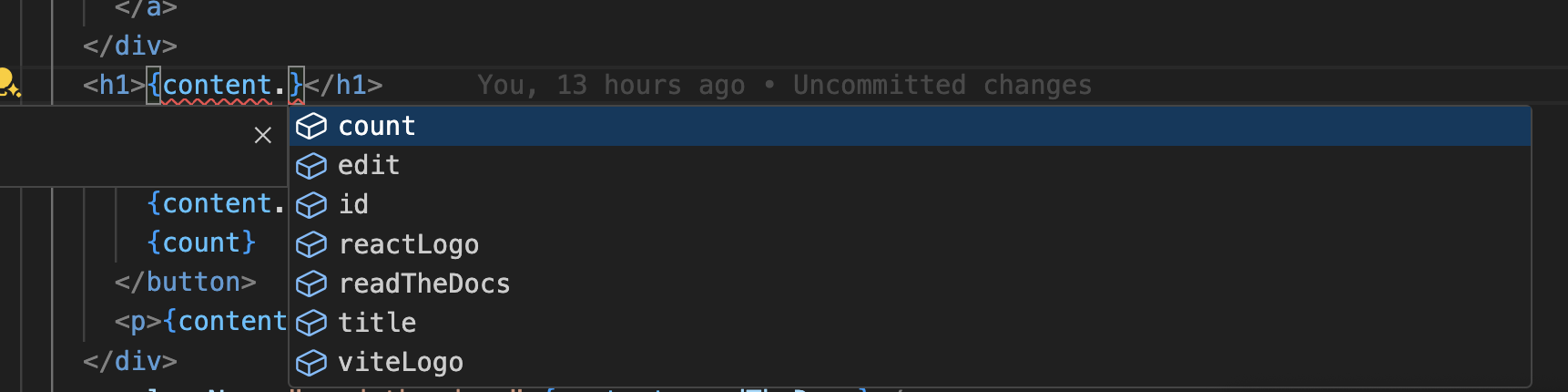
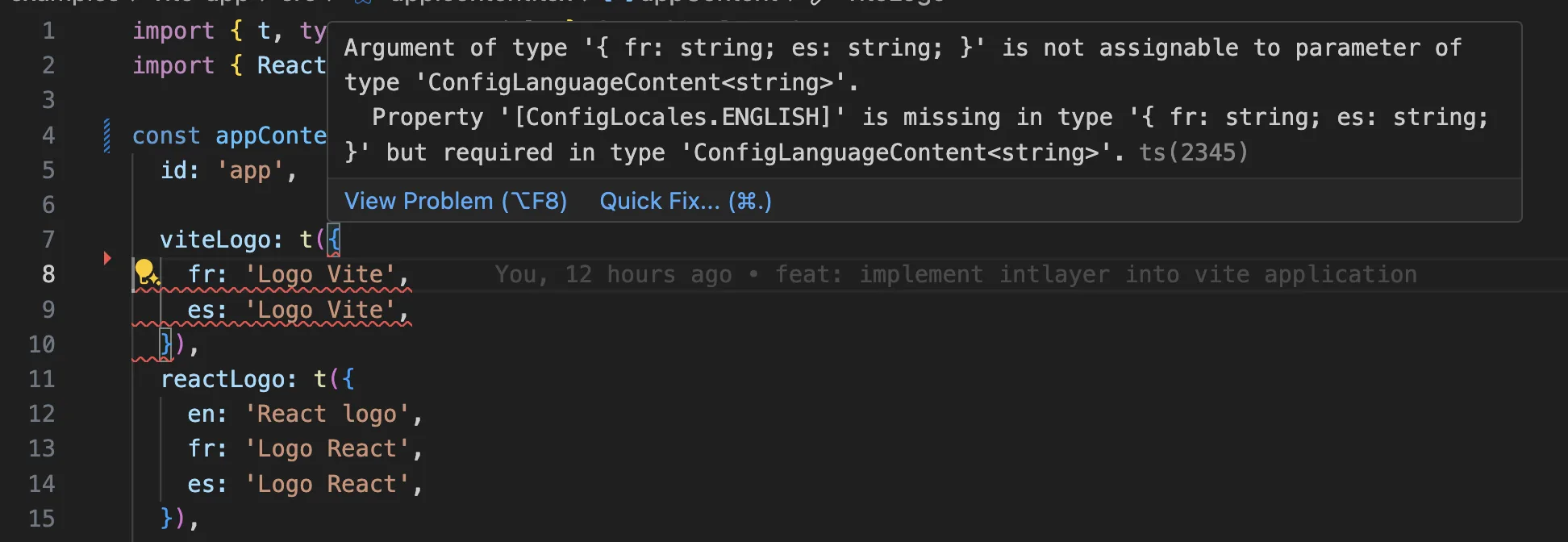
Ensure the autogenerated types (by default at ./types/intlayer.d.ts) are included in your tsconfig.json file.
Copy the code to the clipboard
VS Code Extension
To improve your development experience with Intlayer, you can install the official Intlayer VS Code Extension.
This extension provides:
- Autocompletion for translation keys.
- Real-time error detection for missing translations.
- Inline previews of translated content.
- Quick actions to easily create and update translations.
For more details on how to use the extension, refer to the Intlayer VS Code Extension documentation.
Git Configuration
It is recommended to ignore the files generated by Intlayer. This allows you to avoid committing them to your Git repository.
To do this, you can add the following instructions to your .gitignore file:
Copy the code to the clipboard
Frequently Asked Questions
AdonisJS ships @adonisjs/i18n, which covers ICU messages in resources/lang files with a request scoped service. The alternative is Intlayer through adonis-intlayer, which declares content in typed files shared with your frontend, resolves the locale per request, and adds AI translation, missing translation checks and a CMS.
The reason to internationalize the backend at all is that a large part of the text a user reads never passes through the frontend: API error messages, transactional emails, push notifications, SMS and PDF exports. Those need the recipient's language, resolved per request rather than per session.
See why Intlayer.
Very little. Dictionaries are compiled ahead of time and only the locales you declare are included, so there is no catalogue loading at boot and no file reads on the request path. That matters most on serverless and edge deployments, where the bundle size drives cold start time. See bundle optimization.
Yes, and there are two paths. You can migrate the content progressively with the i18next migration guide. Or you can keep your current API entirely: the compat adapters expose the exact same API as i18next, but served by Intlayer dictionaries, so imports change and handler code does not.
Yes. The sync JSON plugin keeps your /messages/{locale}/{namespace}.json files as the source of truth and generates Intlayer dictionaries from them, in both directions. A sync PO plugin does the same for gettext catalogues, and per locale files let you split content by language instead of grouping locales in one file.
No. Run npx intlayer extract and Intlayer reads your source files, pulls the user facing strings out and writes a .content file next to each one, so you review a diff instead of copying strings into a catalogue one at a time. See the extract command.
On the frontend side of the same project, the Intlayer Compiler goes further and generates the dictionaries at build time from your JSX, TSX, Vue or Svelte source, so the two halves of the app share one content layer with no keys maintained by hand.
Five pieces, all optional:
- VS Code extension: jump from a
useIntlayerkey to the content file that declares it, extract content from a component, and run build, fill, test, push and pull from the command palette or a dedicated Intlayer tab. - LSP server: the same awareness in any editor that speaks LSP, with go to definition, find all references, hover previews of a translated value, autocompletion of keys and fields, and a warning when a key is not declared anywhere. It also resolves
i18next,react-i18next,next-intlanduse-intlcalls, which helps while you migrate. - MCP server: exposes the Intlayer documentation and CLI to Cursor, VS Code, Claude Desktop, Claude Code and ChatGPT, so an assistant answers from current docs instead of guessing, and can run commands such as
intlayer fillitself. - Agent skills: focused skills such as
intlayer-config,intlayer-cliandintlayer-content, plus one per framework, that teach an agent your routing setup and the content node types. - ESLint plugin:
no-raw-textflags hardcoded strings, with further rules for static dictionary keys and unused content.