
Ask your question and get a summary of the document by referencing this page and the AI provider of your choice
Version History
- "Update Solid useIntlayer API usage to direct property access"v8.9.05/4/2026
- "Initial documentation for Astro + Vanilla JS"v8.7.74/24/2026
If you have an idea for improving this documentation, please feel free to contribute by submitting a pull request on GitHub.
GitHub link to the documentationCopy doc Markdown to clipboard
Translate your Astro + Vanilla JS website using Intlayer | Internationalization (i18n)
Table of Contents
Why Intlayer over alternatives?
Compared to main solutions like astro-i18n or i18next, Intlayer is a solution that comes with integrated optimizations such as:
Intlayer is optimized to work perfectly with Astro by offering multilingual routing, sitemap, and all the features needed for scaling internationalization (i18n).
Instead of loading massive JSON files into your pages, load only the necessary content. Intlayer helps reduce your bundle and page sizes by up to 50%.
Scoping your application's content facilitates maintenance for large-scale applications. You can duplicate or delete a single feature folder without the mental burden of reviewing your entire content codebase. Additionally, Intlayer is fully typed to ensure your content's accuracy.
Co-locating content reduces the context needed by Large Language Models (LLMs). Intlayer also comes with a suite of tools, such as a CLI to test for missing translations,LSP, MCP, and agent skills, to make the developer experience (DX) even smoother for AI agents.
Use automation to translate in your CI/CD pipeline using the LLM of your choice at the cost of your AI provider. Intlayer also offers a compiler to automate content extraction, as well as a web platform to help translate in the background.
Connecting massive JSON files to components can lead to performance and reactivity issues. Intlayer optimizes your content loading at build time.
More than just an i18n solution, Intlayer provides an self-hosted visual editor and a full CMS to help you manage your multilingual content in real-time, making collaboration with translators, copywriters, and other team members seamless. Content can be stored locally and/or remotely.
Step-by-Step Guide to Set Up Intlayer in Astro + Vanilla JS
See Application Template on GitHub.
Install Dependencies
Install the necessary packages using your package manager:
bashCopy codeCopy the code to the clipboard
the
--interactiveflag is optional. Useintlayer-cli initif you're an AI agent.This command will detect your environment and install the required packages. For example:
bashCopy codeCopy the code to the clipboard
intlayer The core package that provides internationalization tools for configuration management, translation, content declaration, transpilation, and CLI commands.
astro-intlayer Includes the Astro integration plugin for integrating Intlayer with the Vite bundler, as well as middleware for detecting the user's preferred locale, managing cookies, and handling URL redirection.
vanilla-intlayer The package that integrates Intlayer with plain JavaScript / TypeScript applications. It provides a pub/sub singleton (
IntlayerClient) and callback-based helpers (useIntlayer,useLocale, etc.) so any part of your Astro<script>blocks can react to locale changes without a UI framework.
Configuration of your project
Create a config file to configure the languages of your application:
intlayer.config.tsCopy codeCopy the code to the clipboard
Through this configuration file, you can set up localized URLs, middleware redirection, cookie names, the location and extension of your content declarations, disable Intlayer logs in the console, and more. For a complete list of available parameters, refer to the configuration documentation.
Integrate Intlayer in Your Astro Configuration
Add the intlayer plugin into your configuration. No extra UI-framework integration is needed for Vanilla JS.
astro.config.tsCopy codeCopy the code to the clipboard
The
intlayer()Astro integration plugin is used to integrate Intlayer with Astro. It ensures the building of content declaration files and monitors them in development mode. It defines Intlayer environment variables within the Astro application. Additionally, it provides aliases to optimize performance.Declare Your Content
Create and manage your content declarations to store translations:
src/app.content.tsCopy codeCopy the code to the clipboard
Your content declarations can be defined anywhere in your application as soon they are included into the
contentDirdirectory (by default,./src). And match the content declaration file extension (by default,.content.{json,ts,tsx,js,jsx,mjs,cjs,md,mdx,yaml,yml}).For more details, refer to the content declaration documentation.
Use your content in Astro
With Vanilla JS, all rendering is done directly in the
.astrofile usinggetIntlayerfor the initial server render. A<script>block then bootstrapsvanilla-intlayeron the client side for locale switching.src/pages/[...locale]/index.astroCopy codeCopy the code to the clipboard
If you want to use your content in a
stringattribute, such asalt,title,href,aria-label, etc., you can use the value of the function, like:tsxCopy codeCopy the code to the clipboard
Note on Routing Configuration: The directory structure you use depends on the
middleware.routingsetting in yourintlayer.config.ts:prefix-no-default(default): Keeps the default locale at the root (no prefix) and prefixes others. Use[...locale]to catch all cases.prefix-all: All URLs are prefixed with the locale. You can use standard[locale]if you don't need to handle the root separately.search-paramorno-prefix: No locale folder is needed. The locale is handled via search parameters or cookies.
Add a Locale Switcher
With Vanilla JS in Astro, the locale switcher is rendered server-side as anchor links and hydrated on the client via a
<script>block. When the user clicks a locale link,vanilla-intlayersets the locale cookie viasetLocalebefore navigating to the localized URL.src/pages/[...locale]/index.astroCopy codeCopy the code to the clipboard
Note on Persistence:
installIntlayerbootstraps the Intlayer singleton with the server-detected locale.useLocalewithonLocaleChangethen sets the locale cookie via the middleware before navigating, so the user's preference is remembered on future visits.Note on Progressive Enhancement: The locale links work as standard
<a>tags even without JavaScript. When JS is available, thesetLocalecall updates the cookie before the navigation so the middleware can redirect correctly.Sitemap and Robots.txt
Intlayer provides utilities to generate localized sitemaps and robots.txt files dynamically.
Sitemap
Intlayer comes with a built-in sitemap generator to help you create a sitemap for your application easily. It handles localized routes and adds the necessary metadata for search engines.
The Intlayer generated sitemap supports the
xhtml:linknamespace (Hreflang XML Extensions). Unlike the default sitemap generators that only list raw URLs, Intlayer automatically creates the required bidirectional links between all language versions of a page (e.g.,/about,/about?lang=fr, and/about?lang=es). This ensures search engines correctly index and serve the right language version to the right audience.Create
src/pages/sitemap.xml.tsto generate a sitemap that includes all your localized routes.src/pages/sitemap.xml.tsCopy codeCopy the code to the clipboard
Robots.txt
Create
src/pages/robots.txt.tsto control search engine crawling.src/pages/robots.txt.tsCopy codeCopy the code to the clipboard
Extract the content of your components
OptionalIf you have an existing codebase, transforming thousands of files can be time-consuming.
To ease this process, Intlayer propose a compiler / extractor to transform your components and extract the content.
To set it up, you can add a
compilersection in yourintlayer.config.tsfile:intlayer.config.tsCopy codeCopy the code to the clipboard
import { type IntlayerConfig } from "intlayer"; const config: IntlayerConfig = { // ... Rest of your config compiler: { /** * Indicates if the compiler should be enabled. */ enabled: true, /** * Defines the output files path */ output: ({ fileName, extension }) => `./${fileName}${extension}`, /** * Indicates if the components should be saved after being transformed. * * - If `true`, the compiler will rewrite the component file in the disk. So the transformation will be permanent, and the compiler will skip the transformation for the next process. That way, the compiler can transform the app, and then it can be removed. * * - If `false`, the compiler will inject the `useIntlayer()` function call into the code in the build output only, and keep the base codebase intact. The transformation will be done only in memory. */ saveComponents: false, /** * Dictionary key prefix */ dictionaryKeyPrefix: "", }, }; export default config;Run the extractor to transform your components and extract the content
bashCopy codeCopy the code to the clipboard
Since v9, the
intlayerCompileris included in theintlayerplugin. So you don't need to add it manually.Update your
vite.config.tsto include theintlayerCompilerplugin:vite.config.tsCopy codeCopy the code to the clipboard
bashCopy codeCopy the code to the clipboard
Configure TypeScript
Intlayer use module augmentation to get benefits of TypeScript and make your codebase stronger.
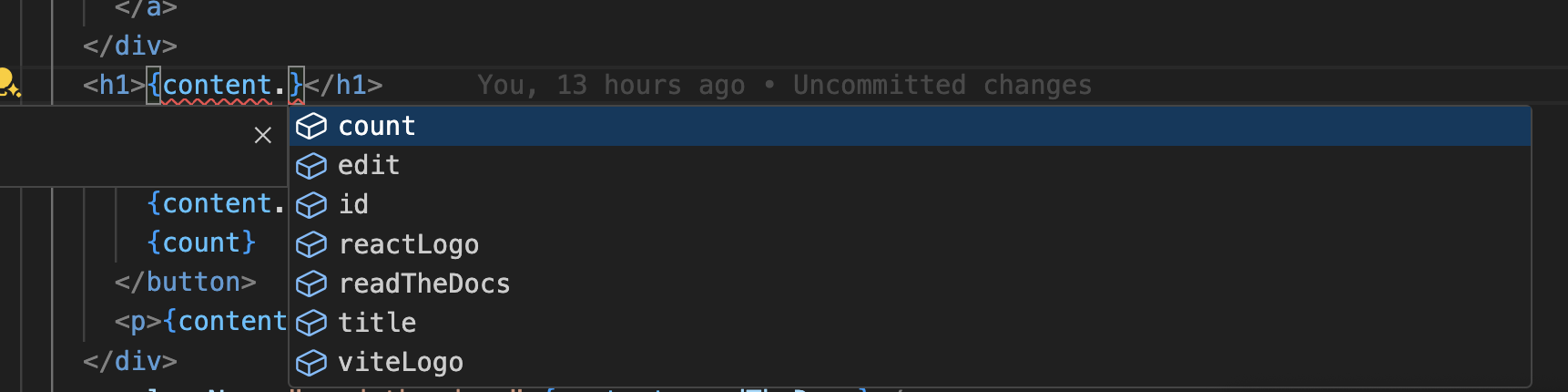
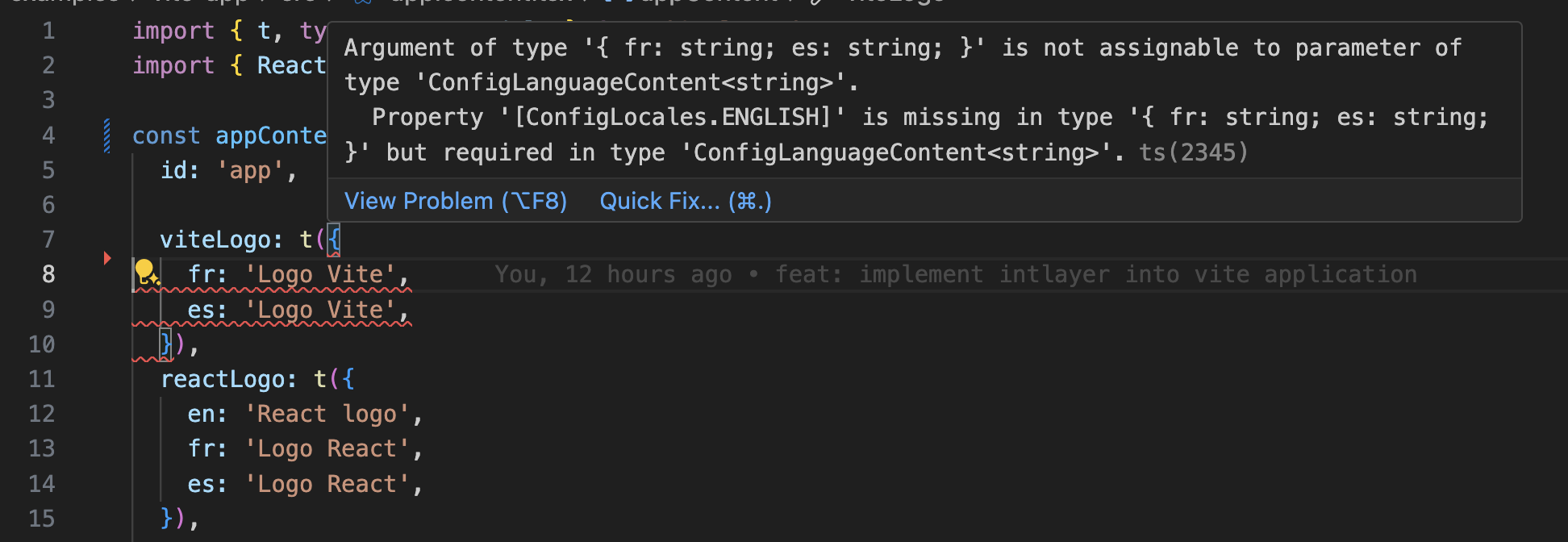
Ensure your TypeScript configuration includes the autogenerated types.
Copy the code to the clipboard
Git Configuration
It is recommended to ignore the files generated by Intlayer. This allows you to avoid committing them to your Git repository.
To do this, you can add the following instructions to your .gitignore file:
Copy the code to the clipboard
VS Code Extension
To improve your development experience with Intlayer, you can install the official Intlayer VS Code Extension.
Install from the VS Code Marketplace
This extension provides:
- Autocompletion for translation keys.
- Real-time error detection for missing translations.
- Inline previews of translated content.
- Quick actions to easily create and update translations.
For more details on how to use the extension, refer to the Intlayer VS Code Extension documentation.
Go Further
To go further, you can implement the visual editor or externalize your content using the CMS.
Frequently Asked Questions
Astro's built-in i18n option handles locale prefixes and redirects, but it leaves the content to you. From there:
- Hand written dictionaries, plain JSON or TypeScript objects imported per page: no dependency, but no typing, no plural rules and no tooling to find missing translations.
Intlayer: the most advanced solution. Content declared anywhere in your codebase (next to each component or centralized), compiled at build time and typed, with AI translation, missing translation checks in CI, a visual editor and a CMS.
Without a UI framework the runtime cost of an i18n library is what you want to avoid, and Intlayer resolves content at build time, so a static Astro page ships translated HTML and no dictionary at all. See why Intlayer.
Much less than a namespace based setup, because a page never downloads a catalog it does not render. Astro pages are rendered at build time, so they ship translated HTML and no dictionary at all; only the islands receive one. The build time compiler resolves the content calls to the exact entries a component uses, and dynamic dictionaries split the rest per locale. Measured against the usual alternatives, Intlayer reduces bundle and page size by up to 50%. See bundle optimization and the benchmark.
Largely. Follow the i18next migration guide to move the content over. You can also migrate gradually: the sync JSON plugin keeps your existing JSON catalogs as the source of truth and generates Intlayer dictionaries from them, so both layers stay in sync while you move components across one at a time.
Yes. The sync JSON plugin keeps your /messages/{locale}/{namespace}.json files as the source of truth and generates Intlayer dictionaries from them, in both directions. A sync PO plugin does the same for gettext catalogs, and per locale files let you split content by language instead of grouping locales in one file.
No. Run npx intlayer extract and Intlayer reads your components, pulls the user facing strings out and writes a .content file next to each one, so you review a diff instead of copying strings into a catalog one at a time. Step 15 of this guide walks through it.
For a fully automated pipeline, the Intlayer Compiler does the same at build time: it scans your JSX, TSX, Vue and Svelte source on every change, generates the dictionaries and keeps them in sync through hot module replacement, so there are no keys to maintain by hand at all.
Two limits are worth knowing before you turn the compiler on. It works by static analysis, so strings that only exist at runtime, such as API error codes or CMS fields, stay out of reach. And it has to tell user facing text apart from application logic like className="active" or a status code, which needs a few annotations in a large codebase. The extract command avoids both by keeping you in the loop.
Five pieces, all optional:
- VS Code extension: jump from a
useIntlayerkey to the content file that declares it, extract content from a component, and run build, fill, test, push and pull from the command palette or a dedicated Intlayer tab. - LSP server: the same awareness in any editor that speaks LSP, with go to definition, find all references, hover previews of a translated value, autocompletion of keys and fields, and a warning when a key is not declared anywhere. It also resolves
i18next,react-i18next,next-intlanduse-intlcalls, which helps while you migrate. - MCP server: exposes the Intlayer documentation and CLI to Cursor, VS Code, Claude Desktop, Claude Code and ChatGPT, so an assistant answers from current docs instead of guessing, and can run commands such as
intlayer fillitself. - Agent skills: focused skills such as
intlayer-config,intlayer-cliandintlayer-content, plus one per framework, that teach an agent your routing setup and the content node types. - ESLint plugin:
no-raw-textflags hardcoded strings, with further rules for static dictionary keys and unused content.