
このページとあなたの好きなAIアシスタントを使ってドキュメントを要約します
バージョン履歴
- "Solid の useIntlayer API の使用法を直接プロパティアクセスに更新"v8.9.02026/5/4
- "Astro + Vanilla JSの初期ドキュメント"v8.7.72026/4/24
このページのコンテンツはAIを使用して翻訳されました。
英語の元のコンテンツの最新バージョンを見るこのドキュメントを改善するアイデアがある場合は、GitHubでプルリクエストを送信することで自由に貢献してください。
ドキュメントへのGitHubリンクドキュメントのMarkdownをクリップボードにコピー
Intlayerを使用したAstro + Vanilla JSサイトの翻訳 | 国際化 (i18n)
目次
代替手段ではなく Interlayer を使用する理由
「astro-i18n」や「i18next」などの主要なソリューションと比較して、Intlayer は次のような統合された最適化を備えたソリューションです。
Intlayer は、多言語ルーティング、サイトマップ、および国際化 (i18n) の拡張に必要なすべての機能を提供することで、Astro と完全に連携するように最適化されています。
大量の JSON ファイルをページにロードするのではなく、必要なコンテンツのみをロードします。 Intlayer は、バンドルとページのサイズを最大 50% 削減するのに役立ちます。
アプリケーションのコンテンツのスコープを設定すると、大規模なアプリケーションの メンテナンスが容易になります。コンテンツ コードベース全体を確認するという精神的な負担を負うことなく、単一の機能フォルダーを複製または削除できます。さらに、Intlayer は完全に型指定されており、コンテンツの正確性を保証します。
コンテンツを同じ場所に配置すると、大規模言語モデル (LLM) によって 必要なコンテキストが削減されます。 Intlayer には、翻訳の欠落をテストする CLI、LSP、MCP などのツール スイートも付属しています。および agent skills により、AI エージェントの開発者エクスペリエンス (DX) がさらにスムーズになります。
AI プロバイダーの費用で、選択した LLM を使用して CI/CD パイプラインで自動化を変換します。 Intlayer は、コンテンツ抽出を自動化する コンパイラー と、バックグラウンドでの翻訳を支援する Web プラットフォーム も提供します。
大量の JSON ファイルをコンポーネントに接続すると、パフォーマンスと反応性の問題が発生する可能性があります。 Intlayer は、ビルド時のコンテンツの読み込みを最適化します。
Intlayer は単なる i18n ソリューションではなく、自己ホスト型 ビジュアル エディター と 完全な CMS を提供します。 リアルタイムで多言語コンテンツを管理できるようになり、翻訳者、コピーライター、その他のチーム メンバーとのコラボレーションがシームレスになります。コンテンツはローカルおよび/またはリモートに保存できます。
Astro + Vanilla JSへのIntlayer設定ステップバイステップガイド
GitHubでアプリケーションテンプレートを表示。
依存関係のインストール
お好みのパッケージマネージャーを使用して、必要なパッケージをインストールします:
bashコードをコピーコードをクリップボードにコピー
--interactiveフラグはオプションです。AI エージェントの場合はintlayer-cli initを使用してください。このコマンドは環境を検出し、必要なパッケージをインストールします。例えば:
bashコードをコピーコードをクリップボードにコピー
intlayer 設定管理、翻訳、コンテンツ宣言、トランスパイル、およびCLIコマンドのための国際化ツールを提供するコアパッケージ。
astro-intlayer IntlayerをViteバンドラーと統合するためのAstro統合プラグイン、およびユーザーの優先ロケールの検出、クッキーの管理、URLリダイレクトの処理を行うミドルウェアが含まれています。
vanilla-intlayer IntlayerをVanilla JavaScript / TypeScriptアプリケーションと統合するパッケージ。UIフレームワークを使用せずに、Astroの
<script>タグの任意の部分が言語変更に応答できるように、pub/subシングルトン (IntlayerClient) とコールバックベースのヘルパー (useIntlayer、useLocaleなど) を提供します。
プロジェクトの設定
アプリケーションの言語を設定するための設定ファイルを作成します:
intlayer.config.tsコードをコピーコードをクリップボードにコピー
この設定ファイルを使用して、ローカライズされたURL、ミドルウェアのリダイレクト、クッキー名、コンテンツ宣言の場所と拡張子、コンソールでのIntlayerログの無効化などを設定できます。利用可能なパラメータの全リストについては、設定ドキュメントを参照してください。
Astro設定へのIntlayerの統合
Astroの設定にintlayerプラグインを追加します。Vanilla JSの場合、追加のUIフレームワーク統合は必要ありません。
astro.config.tsコードをコピーコードをクリップボードにコピー
Astro統合プラグイン
intlayer()は、IntlayerをAstroと統合するために使用されます。コンテンツ宣言ファイルの構築を確実にし、開発モードで監視します。Astroアプリケーション内でIntlayerの環境変数を定義し、パフォーマンス最適化のためのエイリアスを提供します。コンテンツの宣言
翻訳を保存するためのコンテンツ宣言を作成・管理します:
src/app.content.tsコードをコピーコードをクリップボードにコピー
コンテンツ宣言は、
contentDir(デフォルトは./src)に含まれ、コンテンツ宣言ファイルの拡張子(デフォルトは.content.{json,ts,tsx,js,jsx,mjs,cjs,md,mdx,yaml,yml})と一致していれば、アプリケーション内のどこにでも定義できます。詳細については、コンテンツ宣言のドキュメントを参照してください。
Astroでのコンテンツの使用
Vanilla JSの場合、初期のサーバーサイドレンダリングには
.astroファイル内でgetIntlayerを使用してすべてのレンダリングが行われます。その後、<script>ブロックがクライアントサイドでvanilla-intlayerを初期化し、言語の切り替えを処理します。src/pages/[...locale]/index.astroコードをコピーコードをクリップボードにコピー
alt、title、href、aria-labelなどの文字列属性でコンテンツを使用したい場合は、次のように関数の値を使用できます。tsxコードをコピーコードをクリップボードにコピー
ルーティング設定に関する注意: 使用するディレクトリ構造は、
intlayer.config.tsのmiddleware.routing設定によります:prefix-no-default(デフォルト): ルート(プレフィックスなし)にデフォルト言語を保持し、他の言語にはプレフィックスを付けます。すべてのケースをキャッチするために[...locale]を使用します。prefix-all: すべてのURLに言語プレフィックスが付きます。ルートを個別に処理する必要がない場合は、標準の[locale]を使用できます。search-paramまたはno-prefix: ロケールフォルダは不要です。ロケールは検索パラメータまたはクッキーを通じて処理されます。
言語切り替え機能の追加
AstroでのVanilla JSの場合、言語切り替えは通常のリンクとしてサーバーサイドでレンダリングされ、クライアントサイドで
<script>ブロックを通じてハイドレーションされます。ユーザーが言語リンクをクリックすると、vanilla-intlayerがローカライズされたURLに移動する前にsetLocaleを通じて言語クッキーを設定します。src/pages/[...locale]/index.astroコードをコピーコードをクリップボードにコピー
固定の維持に関する注意:
installIntlayerは、サーバーによって定義されたロケールでIntlayerシングルトンを初期化します。onLocaleChangeを伴うuseLocaleは、移動前にミドルウェアを介して言語クッキーを設定し、将来の訪問時にユーザーの好みが記憶されるようにします。プログレッシブエンハンスメントに関する注意: 言語切り替えリンクは、JavaScriptがなくても標準の
<a>タグとして機能します。JSが利用可能な場合、setLocaleの呼び出しが移動前にクッキーを更新するため、ミドルウェアが正しいリダイレクトを実行できます。サイトマップとRobots.txt
Intlayerは、動的にローカライズされたサイトマップとrobots.txtファイルを生成するためのユーティリティを提供します。
サイトマップ
Intlayer には、アプリケーションのサイトマップを簡単に作成できるサイトマップ ジェネレーターが組み込まれています。ローカライズされたルートを処理し、検索エンジンに必要なメタデータを追加します。
Intlayer によって生成されたサイトマップは、
xhtml:link名前空間 (Hreflang XML Extensions) をサポートしています。生の URL のみを表示するデフォルトのサイトマップ ジェネレーターとは異なり、Intlayer はページのすべての言語バージョン (例:/about、/about?lang=fr、/about?lang=es) 間に必要な双方向リンクを自動的に作成します。これにより、検索エンジンが正しい言語バージョンを正しい対象者に正しくインデックス付けして提供できるようになります。すべてのローカライズされたルートを含むサイトマップを生成するために、
src/pages/sitemap.xml.tsを作成します。src/pages/sitemap.xml.tsコードをコピーコードをクリップボードにコピー
Robots.txt
検索エンジンのクロールを制御するために
src/pages/robots.txt.tsを作成します。src/pages/robots.txt.tsコードをコピーコードをクリップボードにコピー
Extract the content of your components
オプションIf you have an existing codebase, transforming thousands of files can be time-consuming.
To ease this process, Intlayer propose a compiler / extractor to transform your components and extract the content.
To set it up, you can add a
compilersection in yourintlayer.config.tsfile:intlayer.config.tsコードをコピーコードをクリップボードにコピー
import { type IntlayerConfig } from "intlayer"; const config: IntlayerConfig = { // ... Rest of your config compiler: { /** * Indicates if the compiler should be enabled. */ enabled: true, /** * Defines the output files path */ output: ({ fileName, extension }) => `./${fileName}${extension}`, /** * Indicates if the components should be saved after being transformed. * * - If `true`, the compiler will rewrite the component file in the disk. So the transformation will be permanent, and the compiler will skip the transformation for the next process. That way, the compiler can transform the app, and then it can be removed. * * - If `false`, the compiler will inject the `useIntlayer()` function call into the code in the build output only, and keep the base codebase intact. The transformation will be done only in memory. */ saveComponents: false, /** * Dictionary key prefix */ dictionaryKeyPrefix: "", }, }; export default config;Run the extractor to transform your components and extract the content
bashコードをコピーコードをクリップボードにコピー
Since v9, the
intlayerCompileris included in theintlayerplugin. So you don't need to add it manually.Update your
vite.config.tsto include theintlayerCompilerplugin:vite.config.tsコードをコピーコードをクリップボードにコピー
bashコードをコピーコードをクリップボードにコピー
TypeScriptの設定
Intlayerはモジュール拡張を使用してTypeScriptの利点を活かし、コードベースをより堅牢にします。
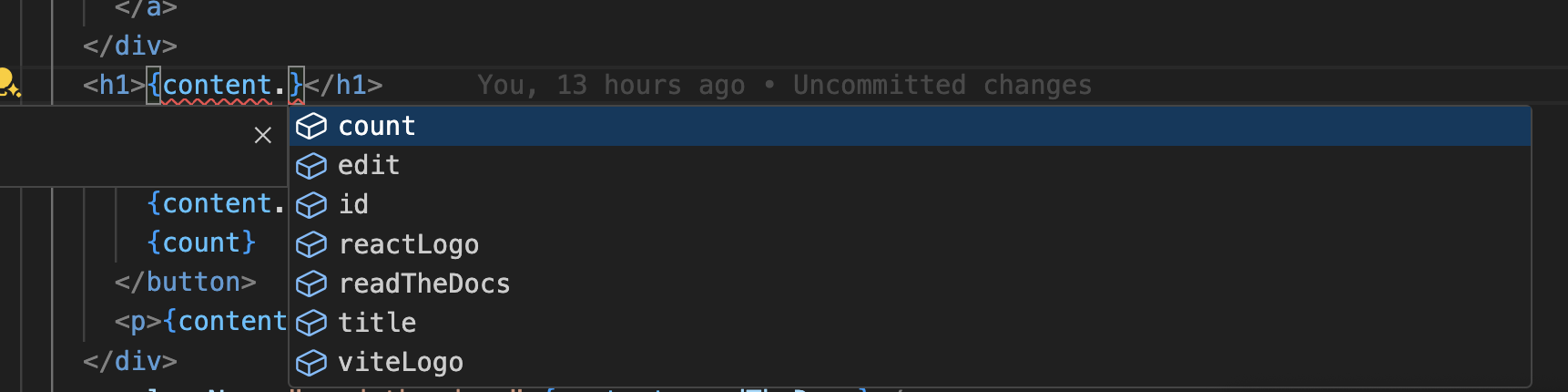
TypeScriptの設定に自動生成された型が含まれていることを確認してください。
コードをクリップボードにコピー
Gitの設定
Intlayerによって生成されたファイルを無視することをお勧めします。これにより、それらをGitリポジトリにコミットすることを避けることができます。
そのためには、.gitignoreファイルに以下の指示を追加してください:
コードをクリップボードにコピー
VS Code拡張機能
Intlayerを使用した開発体験を向上させるために、公式のIntlayer VS Code拡張機能をインストールできます。
この拡張機能は以下を提供します:
- 翻訳キーのオートコンプリート。
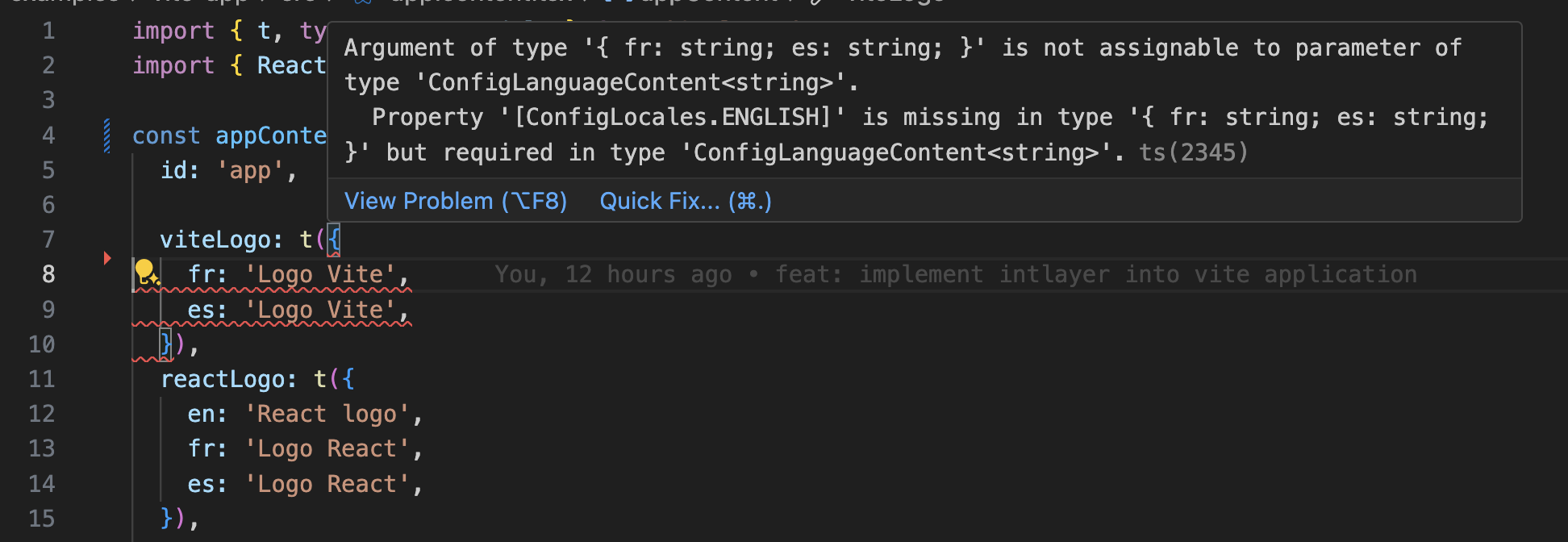
- 欠落している翻訳のリアルタイムエラー検出。
- 翻訳されたコンテンツのインラインプレビュー。
- 翻訳を簡単に作成・更新するためのクイックアクション。
拡張機能の使用方法の詳細については、Intlayer VS Code拡張機能のドキュメントを参照してください。
さらに詳しく
さらに詳しく知りたい場合は、ビジュアルエディターを実装したり、CMSを使用してコンテンツを外部化したりすることもできます。
よくある質問
Astroの組み込みi18nオプションはロケールプレフィックスとリダイレクトを処理しますが、コンテンツの管理はユーザーに委ねられています。そこから、以下の選択肢があります。
- 手書きの辞書:各ページでインポートされるプレーンなJSONまたはTypeScriptオブジェクト。依存関係はありませんが、型付け、複数形ルール、翻訳漏れを見つけるためのツールはありません。
Intlayer:最も高度なソリューションです。コードベースのどこにでも宣言されたコンテンツ(各コンポーネントの隣、または一元化された場所)、ビルド時にコンパイルされ型付けされます。AI翻訳、CIでの翻訳漏れチェック、ビジュアルエディター、CMSを備えています。
UIフレームワークがない場合、i18nライブラリのランタイムコストは避けたいものです。Intlayerはビルド時にコンテンツを解決するため、静的なAstroページは翻訳されたHTMLを配信し、辞書は一切含まれません。Intlayerの利点をご覧ください。
ほとんどの場合可能です。i18next移行ガイドに従ってコンテンツを移行してください。段階的に移行することもできます。sync JSON pluginは、既存のJSONカタログを信頼できる情報源として保持し、それらからIntlayer辞書を生成するため、コンポーネントを一つずつ移行する間も両方のレイヤーが同期を保ちます。
はい、できます。sync JSON pluginは、/messages/{locale}/{namespace}.jsonファイルを信頼できる情報源として保持し、双方向でそれらからIntlayer辞書を生成します。sync PO pluginはgettextカタログに対しても同様の機能を提供し、per locale filesを使用すると、ロケールを1つのファイルにまとめるのではなく、言語ごとにコンテンツを分割できます。
いいえ。npx intlayer extractを実行すると、Intlayerはコンポーネントを読み取り、ユーザー向けの文字列を抽出し、それぞれの隣に.contentファイルを書き込みます。これにより、文字列をカタログに一つずつコピーする代わりに、差分を確認できます。このガイドのステップ15でその手順を説明しています。
完全に自動化されたパイプラインの場合、Intlayer Compilerがビルド時に同じことを行います。変更があるたびにJSX、TSX、Vue、Svelteのソースをスキャンし、辞書を生成し、ホットモジュールリプレイスメントを通じて同期を保つため、手動でキーを管理する必要は一切ありません。
コンパイラをオンにする前に知っておくべき2つの制限があります。静的解析によって機能するため、APIエラーコードやCMSフィールドなど、ランタイムにのみ存在する文字列は対象外となります。また、className="active"のようなアプリケーションロジックとユーザー向けのテキストを区別する必要があり、大規模なコードベースではいくつかの注釈が必要になります。extract commandは、ユーザーが関与することでこれら両方を回避します。
5つのツールがあり、すべてオプションです。
- VS Code extension:
useIntlayerキーからそれを宣言するコンテンツファイルにジャンプしたり、コンポーネントからコンテンツを抽出したり、コマンドパレットまたは専用のIntlayerタブからビルド、フィル、テスト、プッシュ、プルを実行したりできます。 - LSP server: LSPをサポートする任意のエディターで同様の認識機能を提供します。定義へのジャンプ、すべての参照の検索、翻訳された値のホバープレビュー、キーとフィールドのオートコンプリート、キーがどこにも宣言されていない場合の警告などがあります。また、
i18next、react-i18next、next-intl、use-intlの呼び出しも解決するため、移行中に役立ちます。 - MCP server: IntlayerのドキュメントとCLIをCursor、VS Code、Claude Desktop、Claude Code、ChatGPTに公開します。これにより、アシスタントは推測ではなく現在のドキュメントから回答し、
intlayer fillなどのコマンドを自分で実行できます。 - Agent skills:
intlayer-config、intlayer-cli、intlayer-contentなどの特化したスキルに加え、フレームワークごとのスキルがあり、エージェントにルーティング設定とコンテンツノードタイプを教えます。 - ESLint plugin:
no-raw-textはハードコードされた文字列にフラグを立て、静的辞書キーと未使用コンテンツに関する追加ルールを提供します。